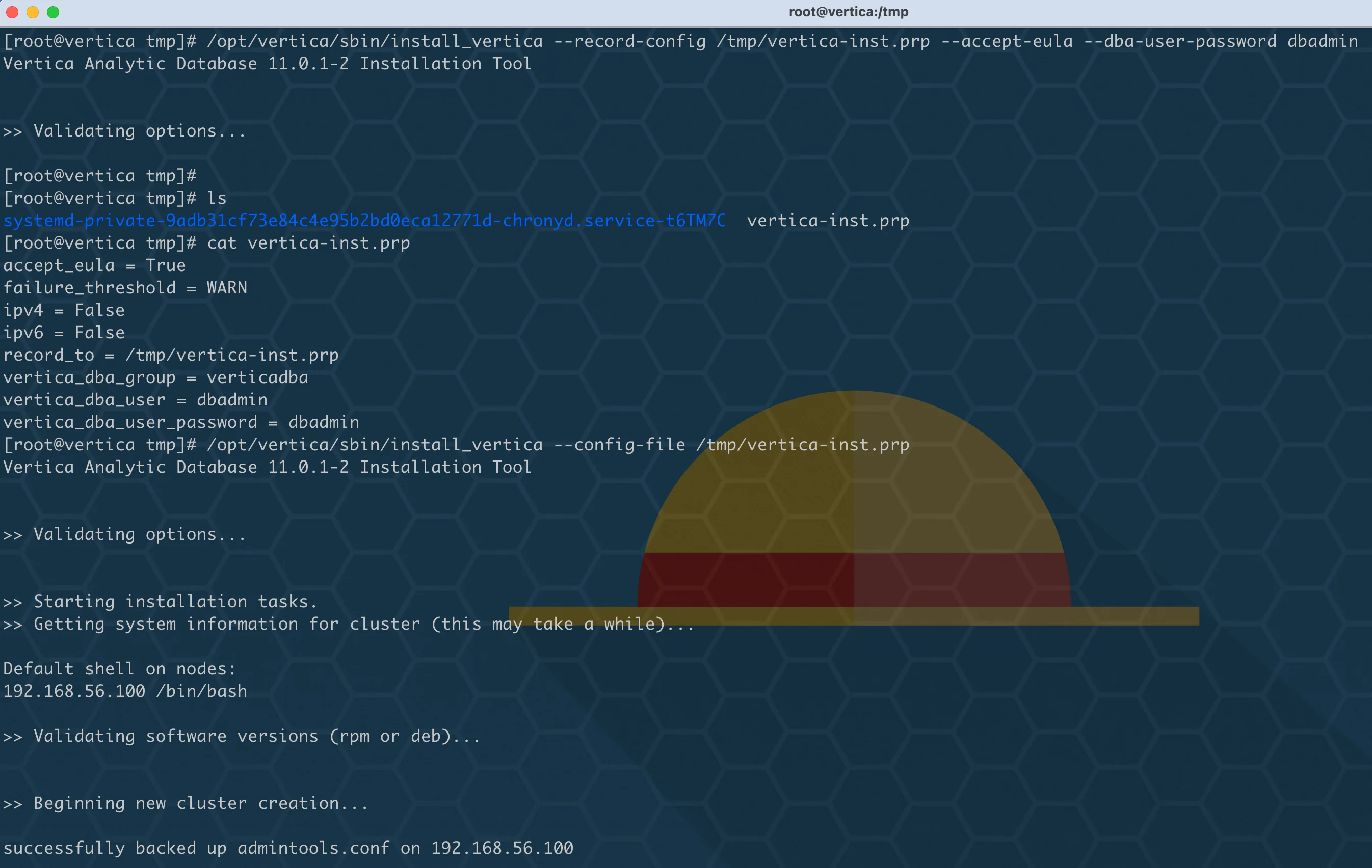
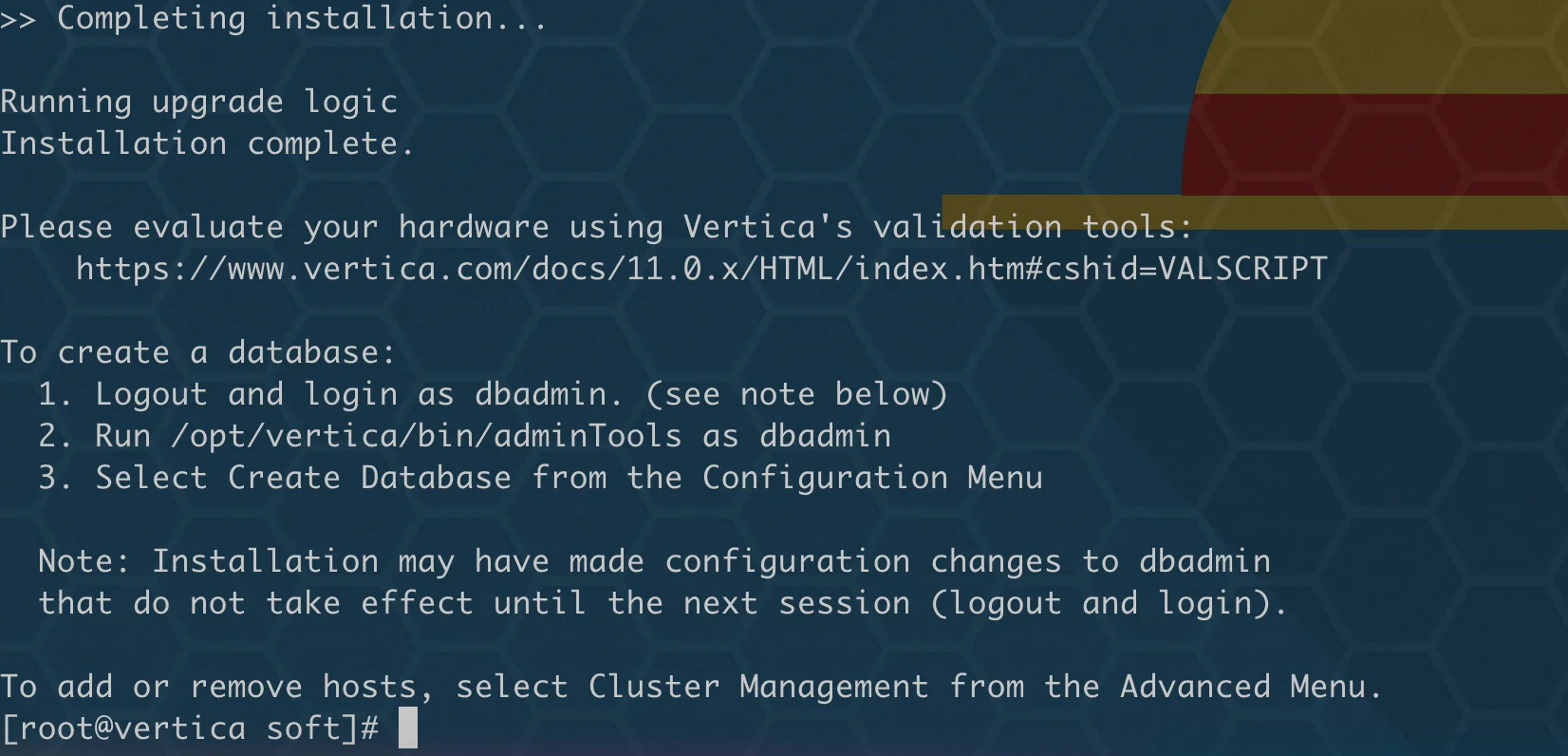
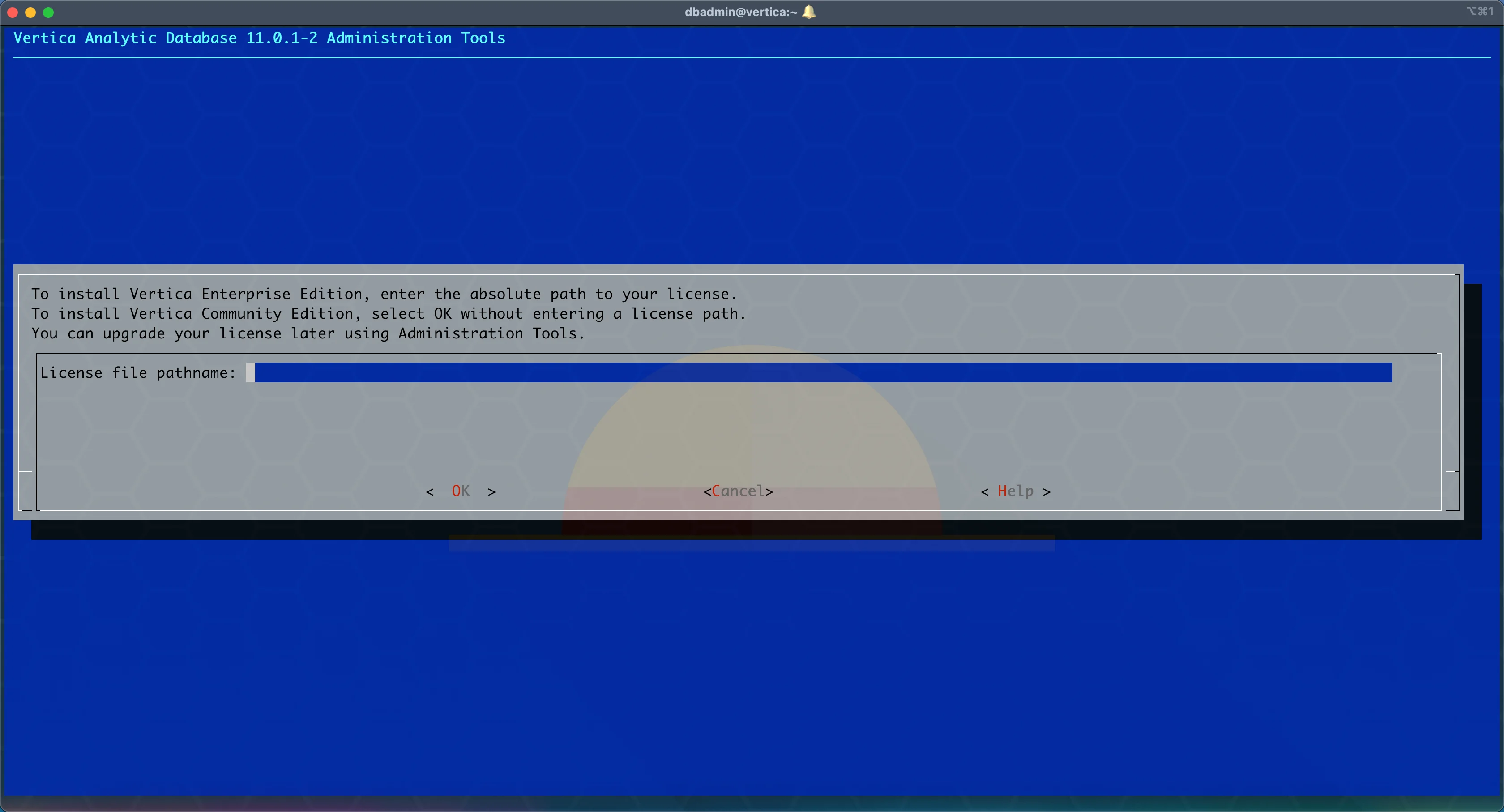
1[root@vertica soft]# /opt/vertica/sbin/install_vertica --help
2Vertica Analytic Database 11.0.1-2 Installation Tool
3
4usage:
5 # install or update:
6 install_vertica --hosts host1,host2,host3 --rpm vertica.rpm
7 install_vertica --hosts 192.168.1.101,192.168.1.101,192.168.1.102 \
8 --rpm vertica.rpm
9
10 # add or remove nodes
11 install_vertica --add-hosts host4 --rpm vertica.rpm
12 install_vertica --remove-hosts host4
13
14 # get the full detailed help
15 install_vertica --help
16
17optional arguments:
18 -h, --help show this help message and exit
19 --hosts HOST,HOST..., -s HOST,HOST...
20 A comma-separated list of hosts to install or update
21 --rpm FILE, -r FILE, --deb FILE
22 The software package to install. Either an RPM or Debian package.
23 --clean Forcibly remove all pre-existing cluster configuration, including database listings. (unsafe!)
24 --broadcast, -U For control messaging, use broadcast UDP messages (default)
25 --license FILE, -L FILE
26 License file
27 --accept-eula, -Y Accept the EULA quietly.
28
29Modifying an existing cluster:
30 These options allow you to add or remove nodes within an existing cluster.
31 New nodes will not participate in any existing databases. See online
32 documentation for more information.
33
34 --add-hosts HOST,HOST..., -A HOST,HOST...
35 A comma-separated list of hosts to add to the cluster
36 --remove-hosts HOST,HOST..., -R HOST,HOST...
37 A comma-separated list of hosts to remove from the cluster
38
39System users:
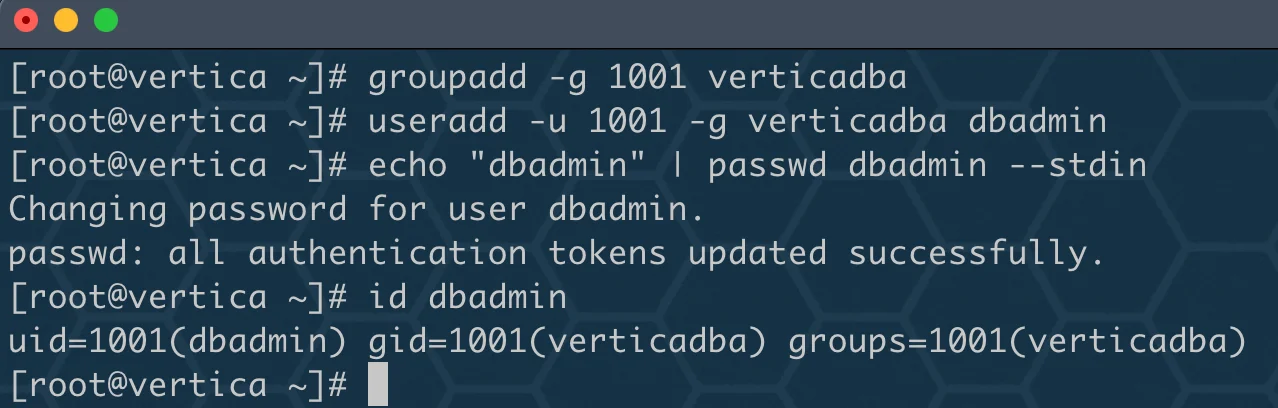
40 Vertica runs as the database admin (DBA) user, a system user account. This
41 is also the user which may run Administration Tools (adminTools). These
42 options specify the system user and system group used for this purpose. The
43 user and group will be created, if they do not exist.
44
45 --dba-user USER, -u USER
46 The DBA system user name. (default: dbadmin)
47 --dba-user-home DIR, -l DIR
48 The DBA system user home. (default: /home/<DBA>)
49 --dba-user-password PASSWORD, -p PASSWORD
50 The DBA system user password. (default: prompt)
51 --dba-user-password-disabled
52 Disable the DBA system user password.
53 --dba-group GROUP, -g GROUP
54 The DBA system group name. (default: verticadba)
55
56Miscellaneous options:
57 --data-dir DIR, -d DIR
58 The default data directory for new databases (default: <DBA home>) When defined, also restricts filesystem compatibility checks to the
59 filesystem containing the data directory
60 --tmp-dir DIR The temporary location used for various DBA actions. This is NOT the temporary data location for your database. (default: /tmp)
61 --install-package-dependencies
62 Use the high-level OS package manager (like yum/dnf) to automatically install vertica package dependencies. Only works with yum/dnf/apt.
63
64Navigating the cluster:
65 In order to complete the specified operations, this program requires access
66 to each of the cluster hosts. Specify authentication credentials with these
67 options. By default, you will be prompted for the password if required.
68
69 When the SUDO_USER environment variable is set, install_vertica attempts to ssh as
70 that user. This is the case when invoked with `sudo`. Otherwise, install_vertica
71 will ssh as root. The credentials provided with these options must match
72 the ssh user.
73
74 --ssh-password PASSWORD, -P PASSWORD
75 The password for ssh authentication in the cluster
76 --ssh-identity FILE, -i FILE
77 The ssh identify file for ssh authentication in the cluster
78 --ssh-conn-timeout SSH_CONN_TIMEOUT, -t SSH_CONN_TIMEOUT
79 SSH connection timeout in secs( whole numbers only )
80
81Networking options:
82 Vertica uses the network for three purposes: data exchange, cluster
83 control messaging, and client communication. By default, a single
84 network and UDP broadcast (control messaging only) will be used.
85 These options allow you to configure the defaults for new databases,
86 but will not affect already-created databases. See the online
87 documentation for more details.
88
89 --point-to-point, -T For control messaging, use direct UDP messages rather than UDP broadcast. Affects new databases only.
90 --control-network BCAST_ADDR, -S BCAST_ADDR
91 For control messaging, use a specific network. Specify via broadcast address, subnet, or 'default'.
92 --spread-logging, -w Enable control message logging (spread logging). Affects new databases only. (not recommended)
93 --large-cluster SPREAD_COUNT, -2 SPREAD_COUNT
94 Maximum number of Control Nodes for new databases. Control Nodes run spread for database coordination.
95 --ipv6, -6 Create an ipv6 cluster.
96 --ipv4, -4 Create an ipv4 cluster. (default)
97
98Silent installation:
99 Installation options can be saved to or loaded from a configuration
100 file in order to assist with automation and repeated installs.
101
102 --config-file FILE, -z FILE
103 Read options from a configuration file
104 --record-config FILE, -B FILE
105 Write options to a configuration file and exit
106
107System and cluster prerequisites:
108 System and cluster prerequisites are checked by install_vertica. These
109 options adjust if the prerequisites are checked and how the results
110 are handled.
111
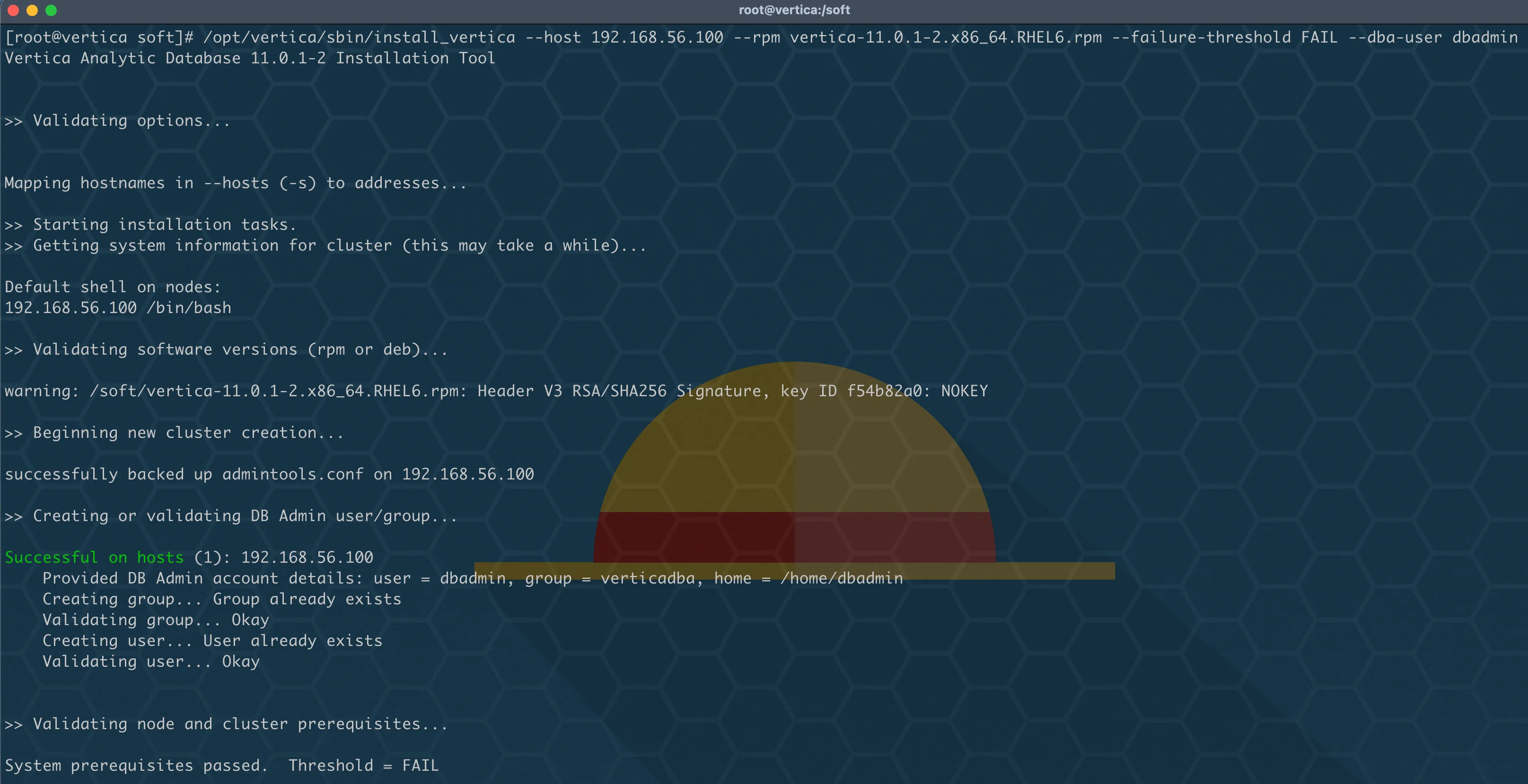
112 --failure-threshold {HINT,WARN,FAIL,HALT,NONE}
113 Stop installation for any failures of this severity or worse (default: WARN)
114 --no-system-configuration
115 By default, simple system configurations that need to be adjusted to conform to the Vertica installation will be changed on your behalf. To
116 prevent any system configuration changes, use this option.
117 --ignore-aws-instance-type
118 (AWS only) Not recommended. Ignore the instance type reported by AWS meta data.